
Jaden Industries Workshop and Map Editor Guide
Jaden Industries has a map editor and Steam Workshop support on PC. How custom levels work, what console players miss and how to test a map.
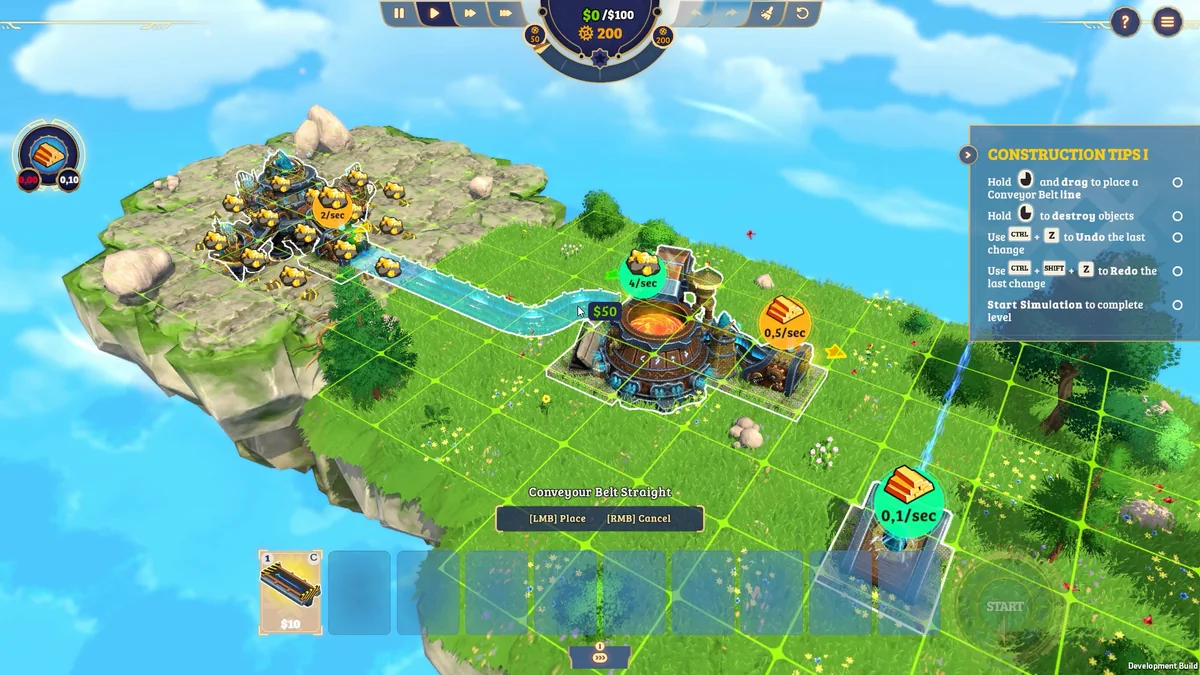
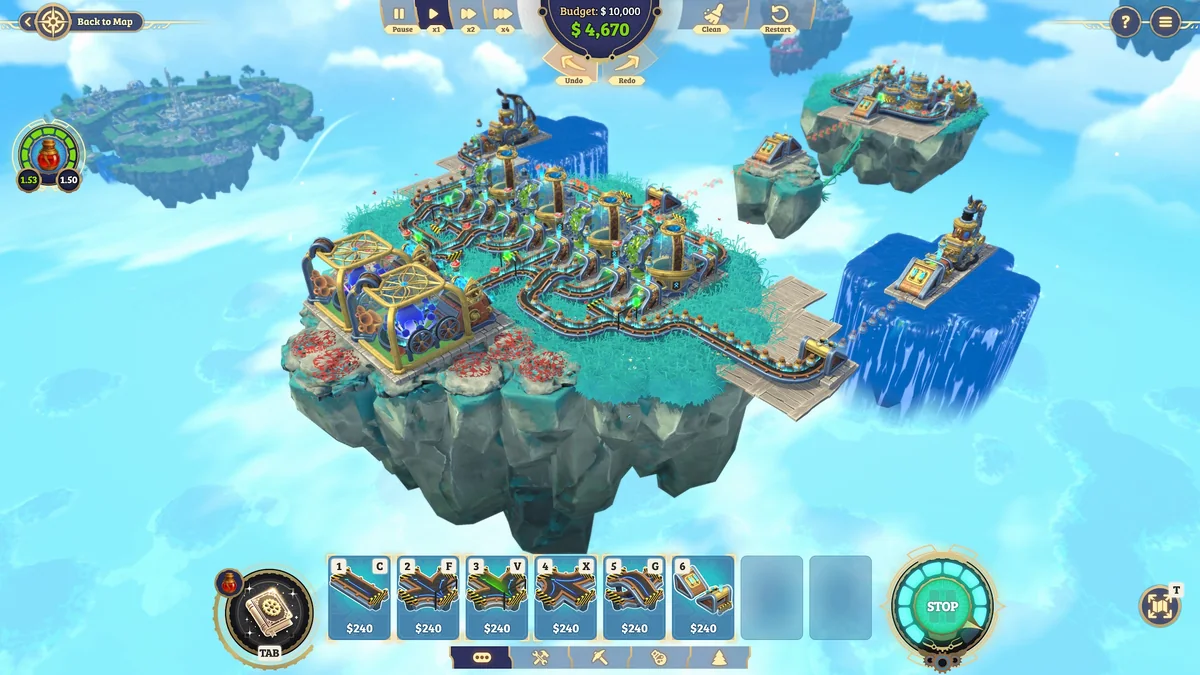
Jaden Industries ships with a map editor and Steam Workshop support. Pushka lists both as key features: create custom levels, share them with the community, and play what other people build. It is the main reason the PC version has a longer tail than the console releases.
The editor is also the feature with the least public documentation. Pushka has confirmed that it exists and that Workshop is the sharing surface, but there is no official manual for the toolbar, the publishing flow, or the file format. This guide covers what is confirmed, how to approach the editor, and what to check before you publish a map.
The island layout guide→ is a good reference for judging custom maps, and Switch vs Steam→ explains why Workshop is PC-only.
Store facts were checked against the Steam and Nintendo listings on November 25, 2026. Systems that are not publicly confirmed are labelled as unconfirmed. Official source: Jaden Industries on Steam ↗
What is confirmed
| Feature | Status |
|---|---|
| Map editor | Included on PC |
| Steam Workshop | Supported |
| Custom level sharing | Confirmed |
| Console map editor | Not listed |
| Cross-platform Workshop | Not supported |
| Official editor manual | Not published |
The console versions do not list the editor or Workshop, so a Switch player cannot download the maps a PC player publishes. The Switch vs Steam comparison→ covers the practical impact.
How to find Workshop maps
- Open Jaden Industries in your Steam library.
- Go to the Workshop tab on the game's store or library page.
- Browse by most popular or most recent.
- Subscribe to a map; Steam downloads it automatically.
- Launch the game and look for the custom level list.
The exact in-game menu label is not documented, but Workshop subscription is handled by Steam, so the download happens outside the game. If a map does not appear, restart the game after subscribing.
Building a map that other people can finish
A custom map is a puzzle, and a puzzle needs a solvable solution. Before you publish, test these four things:
1. The budget is achievable
Play the map yourself and finish it under budget. If you cannot, the map is not ready. A custom map that requires an impossible layout will get buried in the Workshop ratings.
2. The resource tiles are reachable
Check that every required resource has a path to the output. A tile behind an unbuildable block is a soft lock. Walk the intended route tile by tile before you publish.
3. The recipe chain is complete
If your map uses a multi-input recipe, confirm that all inputs are available on the island. A missing input is the most common custom-map failure, and it is invisible until someone tries to build the final machine.
4. The start is readable
A good custom map shows the player the goal in the first thirty seconds. Put the output or consumer somewhere visible, and avoid hiding the only extractor behind a maze of decorative terrain.
Designing for the game's strengths
Jaden Industries is at its best when an island is compact and the solution is not obvious. Three design patterns work well:
- The bottleneck. Give the player plenty of one resource and very little of another. The puzzle is routing the scarce input efficiently.
- The long way around. Place the output on the opposite side of the island from the extractor, with a terrain feature that forces a bend.
- The two-branch choice. Provide enough space for one product line but not two, so the player has to choose.
Avoid maps that rely on hidden information or pixel-perfect belt placement. The game's camera and grid are built for readable layouts, not for precision platforming.
Publishing and updating
Steam Workshop handles the upload, but the details depend on the editor's publish button. The general flow is:
- Build and test the map in the editor.
- Choose a title and description that state the difficulty and the intended solution time.
- Add a screenshot of the starting island, not the solved one.
- Publish and subscribe to your own map to verify the download.
- Update the description when you patch the layout.
If you update a map after people have subscribed, their saved solutions may break. Note the change in the description so players know why their old layout no longer works.
What Workshop does not do
Workshop maps are not part of the official campaign, and they do not count toward the base game's island completion achievements unless the game explicitly allows it. That behavior is not documented, so assume custom maps are separate. If you care about achievements, finish the official islands first.
There is also no confirmed cross-platform sharing. A Workshop map is a Steam item; console players cannot browse it. That is a platform limitation, not a developer choice you can work around.
FAQ
Does Jaden Industries have Steam Workshop?
Yes. Pushka lists Steam Workshop support alongside the map editor.
Can Switch players use custom maps?
No. The editor and Workshop are PC features, and the console versions do not list them.
Is there an official map editor guide?
Not at the time of writing. This page covers the confirmed feature set and practical testing advice.
Do Workshop maps disable achievements?
That is not documented. Assume custom maps are separate from the official campaign and do not rely on them for achievement progress.